| .forge | ||
| cmd | ||
| demos | ||
| deploy | ||
| docs | ||
| e2e | ||
| internal | ||
| oracle | ||
| scripts | ||
| website | ||
| .gitignore | 114B | |
| CLAUDE.md | 2.2K | |
| go.mod | 3.0K | |
| go.sum | 16.4K | |
| LICENSE | 1.0K | |
| Makefile | 8.6K | |
| NOTICE | 6.3K | |
| README.md | 6.5K | |
| ROADMAP.md | 14.6K | |
| staticcheck.conf | 223B |
012
A spreadsheet for the terminal with a Lotus 1-2-3 look and Google Sheets behavior, built on Bubble Tea v2.
Inside the grid it works the way Sheets does: typing replaces a cell, =
starts a formula, Enter and Tab move you on, Shift+arrows and the mouse
select, and Sheets' shortcuts do what you expect. Around the grid, the
control panel, the mode indicator and the character grid keep 1-2-3's look.
Sheets and 1-2-3 are where it starts, not specs it follows to the letter.
It is one pure-Go binary.
Install
curl -fsSL https://012.dev.site/install.sh | sh              # macOS, Linux: into ~/.local/bin
go install src.rest/cat/012/cmd/012@latest  # or build it with Go 1.27
On Windows, irm https:/ in PowerShell.
Then run 012, or 012 budget.012 to open a sheet. F1 shows every
shortcut, F10 or Alt+letter opens the menus, and Ctrl+K searches every
command. Install and run has the
rest: building from a clone, importing files, 012 serve and settings.
A short tour
- Formulas as in Sheets, with Sheets' functions, suggestions and argument hints, pointing at cells with the arrows or the mouse, named ranges, references between sheets, arrays that spill (FILTER, SORT, UNIQUE, LAMBDA), optional decimal arithmetic for money, undo for everything, and tracing that marks what a formula reads and what reads it and steps through it part by part (formulas); numbers, dates and formulas typed and shown in a locale per file.
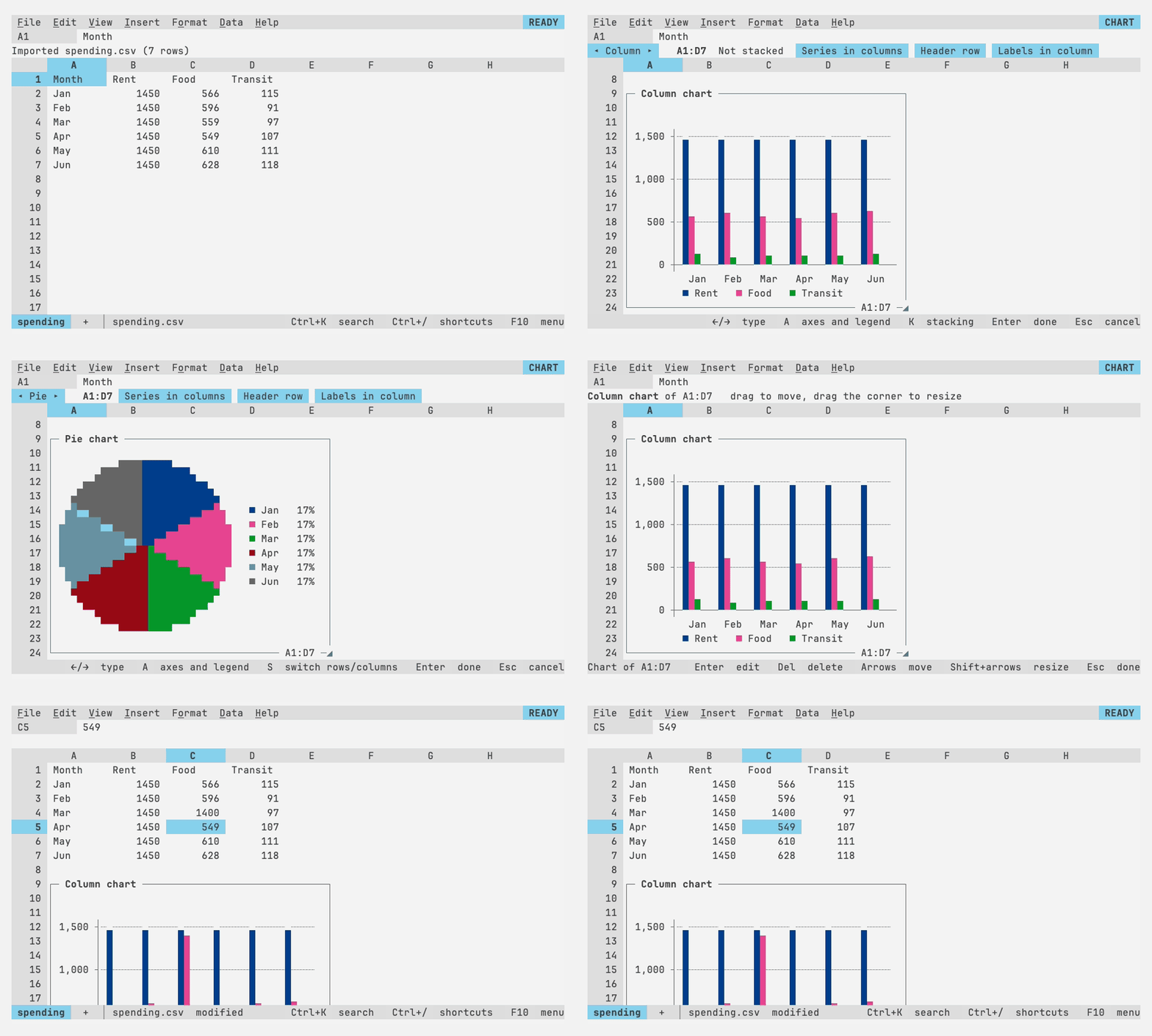
- Data tools: freeze, sort, filter, find and replace, conditional formatting, dropdowns and checkboxes, notes, protected ranges, and live pivot tables (working with data); wrapped text, borders and merged cells drawn with the terminal's box-drawing lines (formatting).
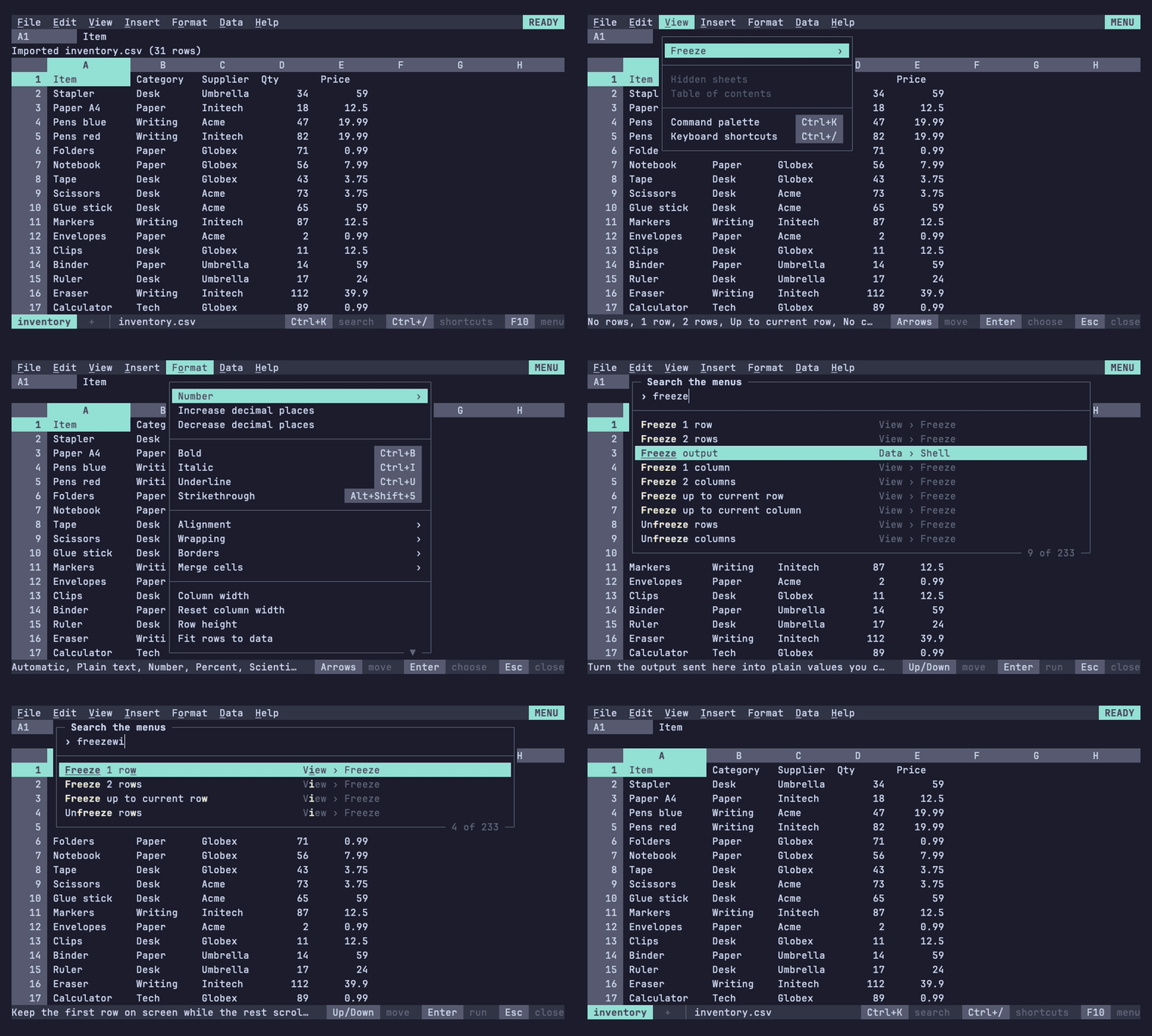
- Charts that float over the grid and follow their data, drawn as real images in kitty, Ghostty and WezTerm and as text elsewhere (charts).
- Files: a diff-friendly JSON format, import from CSV, TSV, JSON, nushell's NUON, XLSX, SQLite, Parquet and Lotus 1-2-3, export to CSV, TSV, JSON, NUON, XLSX, SQLite and a self-contained web page with its charts as SVG (files).
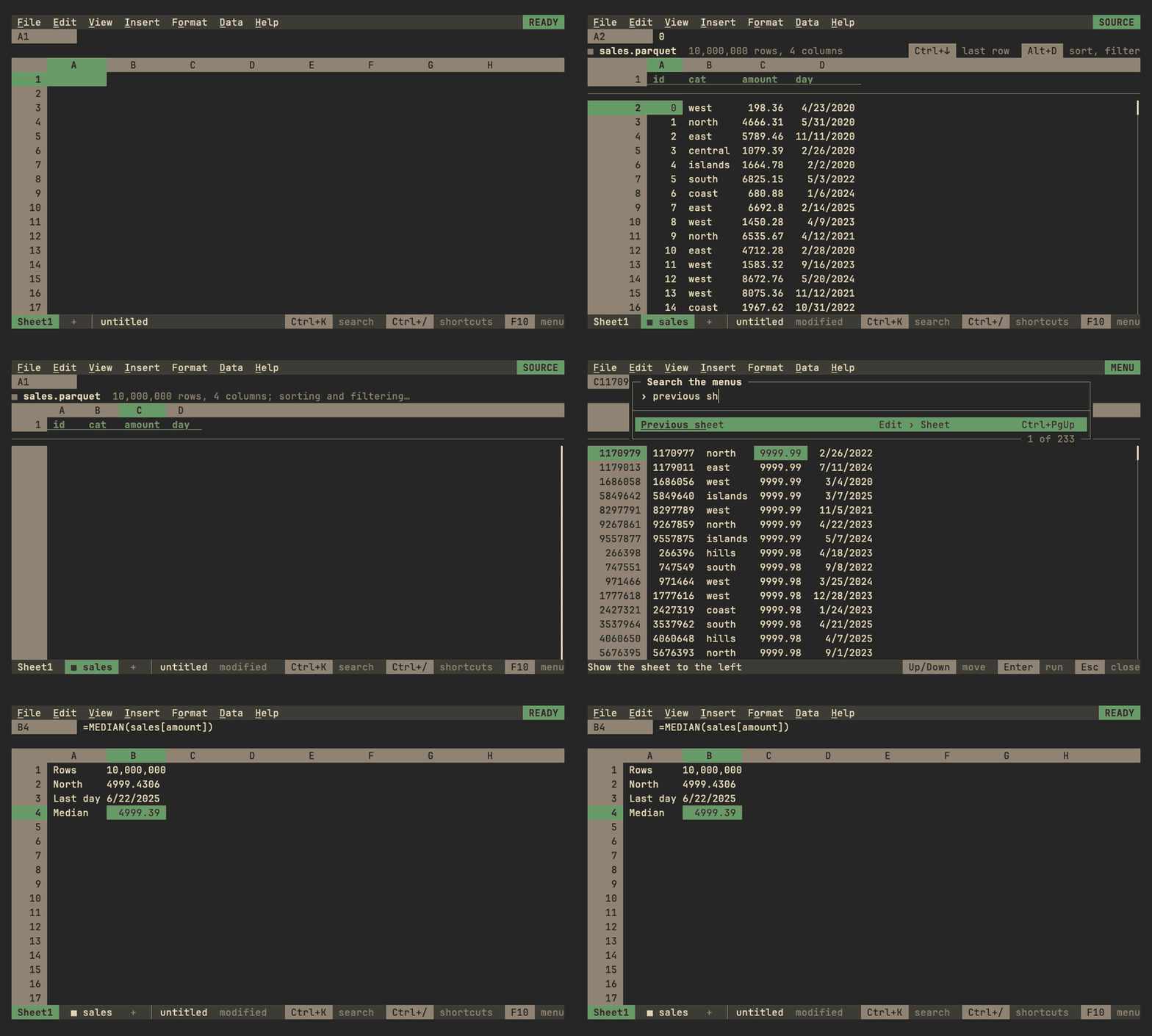
- Tables too big for any grid: a Parquet file or a SQLite table of tens of millions of rows links as a source on a tab of its own, scrolled, sorted and filtered in place, with SUMIFS, XLOOKUP and pivot tables streaming over every row (linked sources).
- For agents:
012 describe,get,set --dry-runandrecalcwith JSON results, a Claude Code skill, and012 mcp, an MCP server whose writes go through the same checks as yours, with views of ranges and charts in the chat (agents). - Coworking with agents:
012 --listenlets the agent into your running 012, its pointer and name in the grid, its changes suggestions you accept or reject cell by cell, within the scope you give it (live mode). - A stage in a pipeline:
ls | sheet | where size > 1kbedits a table on the terminal and sends it on with its types, through the nushell module012 nu --install-moduleinstalls, or asls | to nuon | ^012 --pipe | from nuonwithout it (pipelines). - Nushell notebooks:
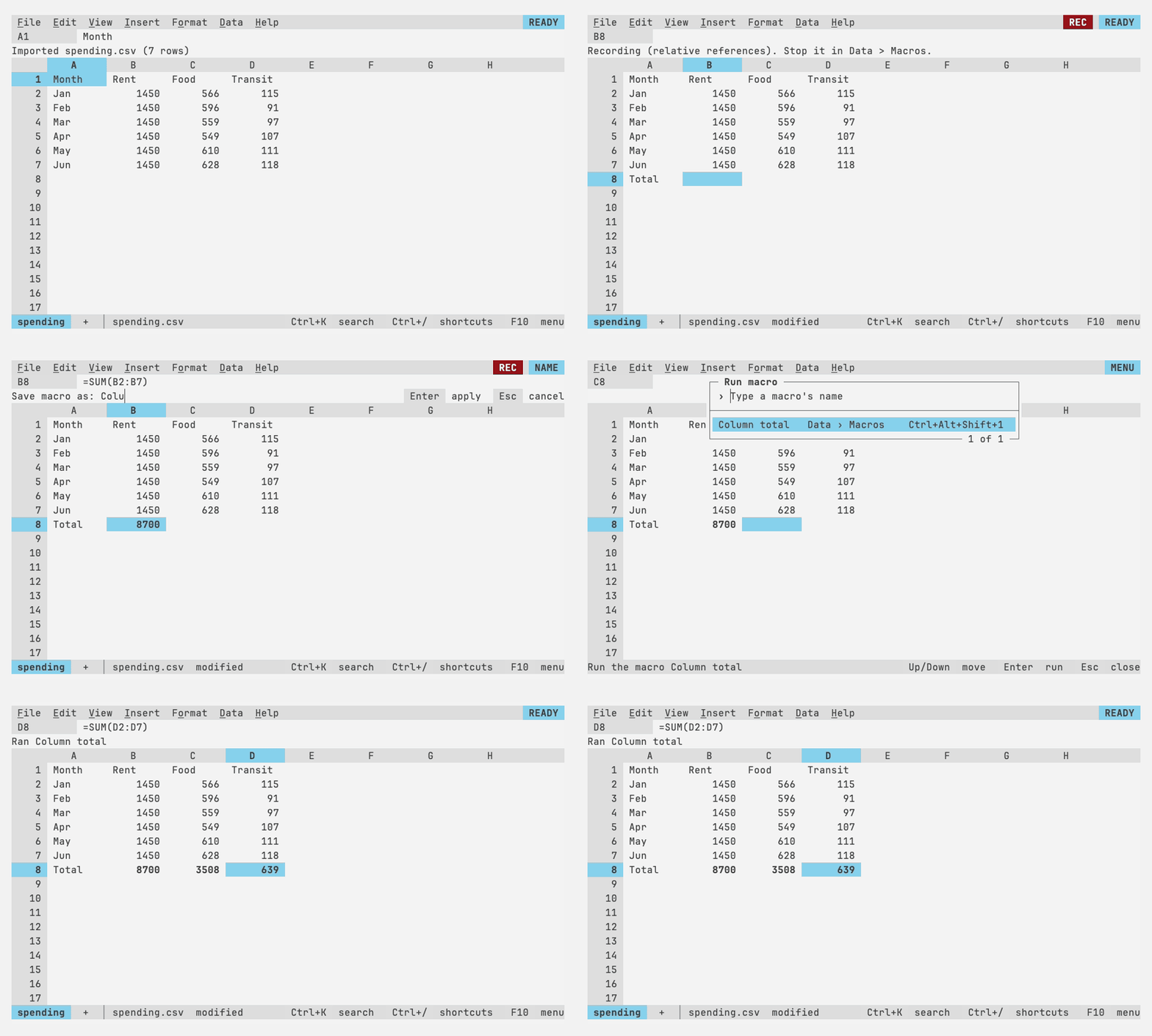
012 nu(or Data > Shell in any workbook) opens a notebook tab of code and note cells, run with Jupyter's keys, each output under its cell; later cells read it as$name, and sent to a sheet it's a live table formulas read asnu.name(notebooks). - Macros, recorded or written as Starlark scripts saved with the sheet (macros).
- Made for terminals: the mouse, hyperlinks, the system clipboard over
SSH, your terminal's colors or any of hundreds of schemes, optional vim
keys, and
012 serveto reach your sheets over SSH (keys, themes, SSH). - Together over SSH: sessions of
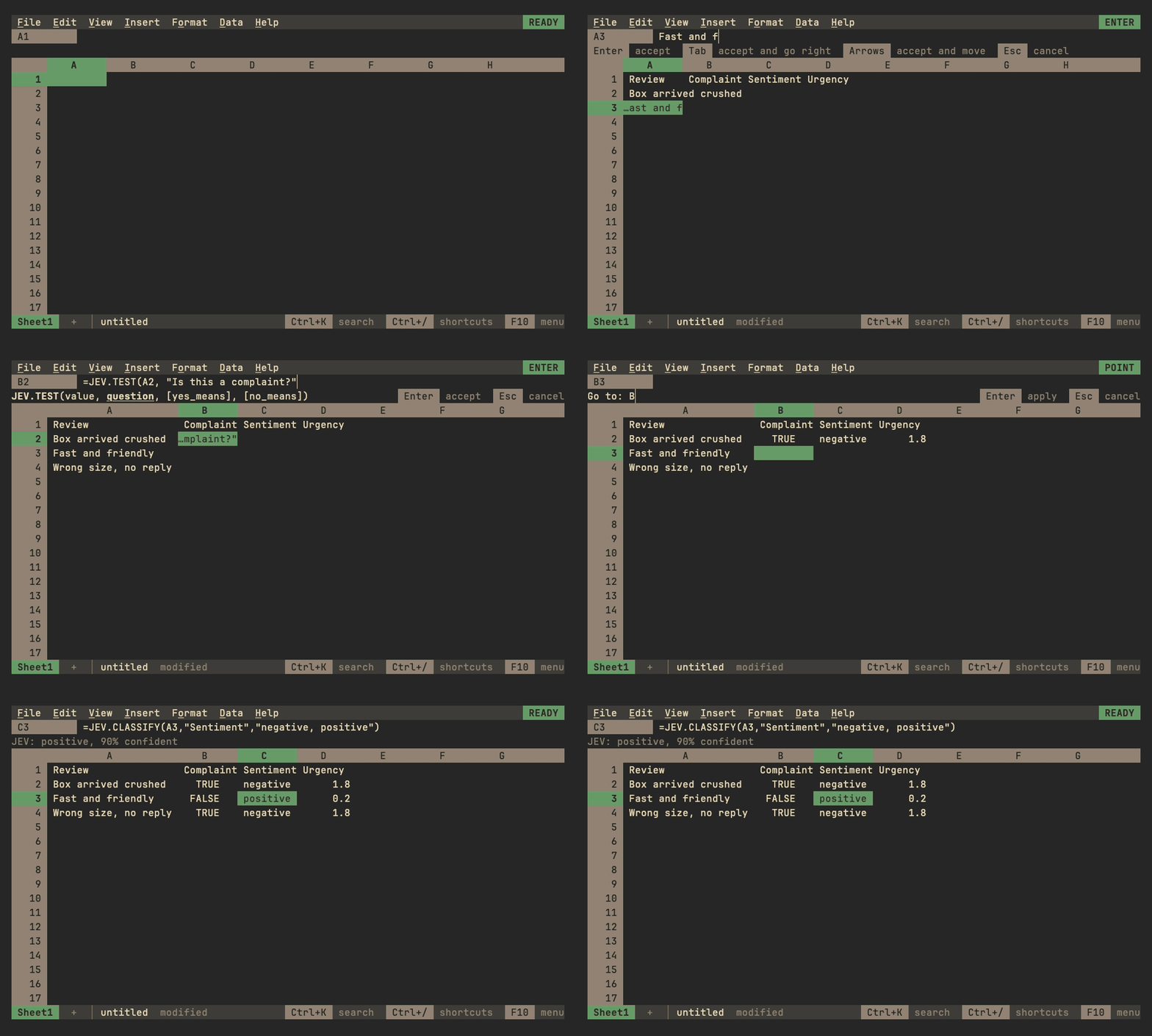
012 serveopening the same file share it live, each with its own cursor, the others' in their colors, and undo that takes back only your own changes (sharing a workbook). - JEV functions ask TypeSafe's hosted model about your data from a formula (JEV).
 |
 |
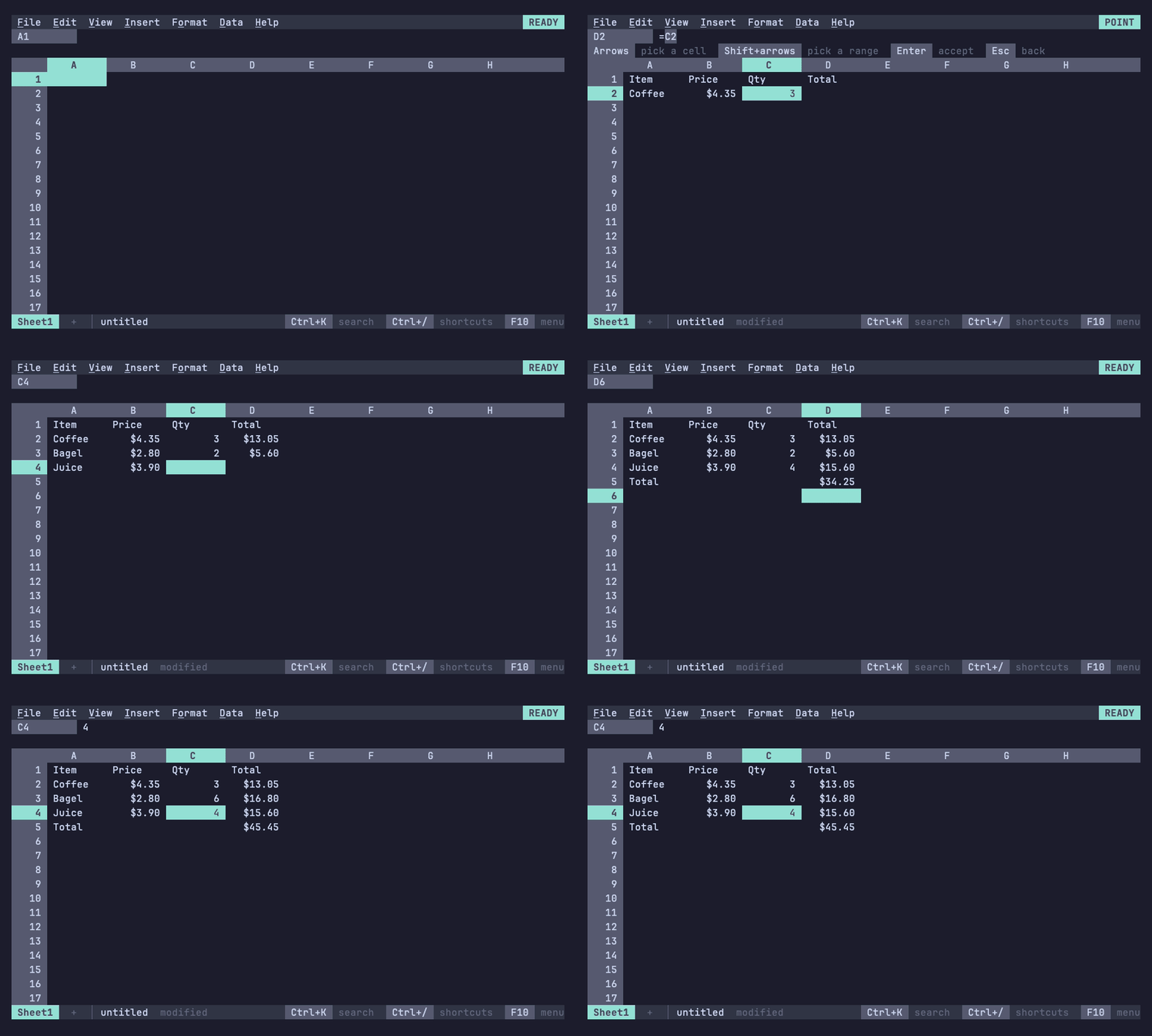
| Menus and the command palette (Ctrl+K) | Charts that float over the grid and follow their data |
 |
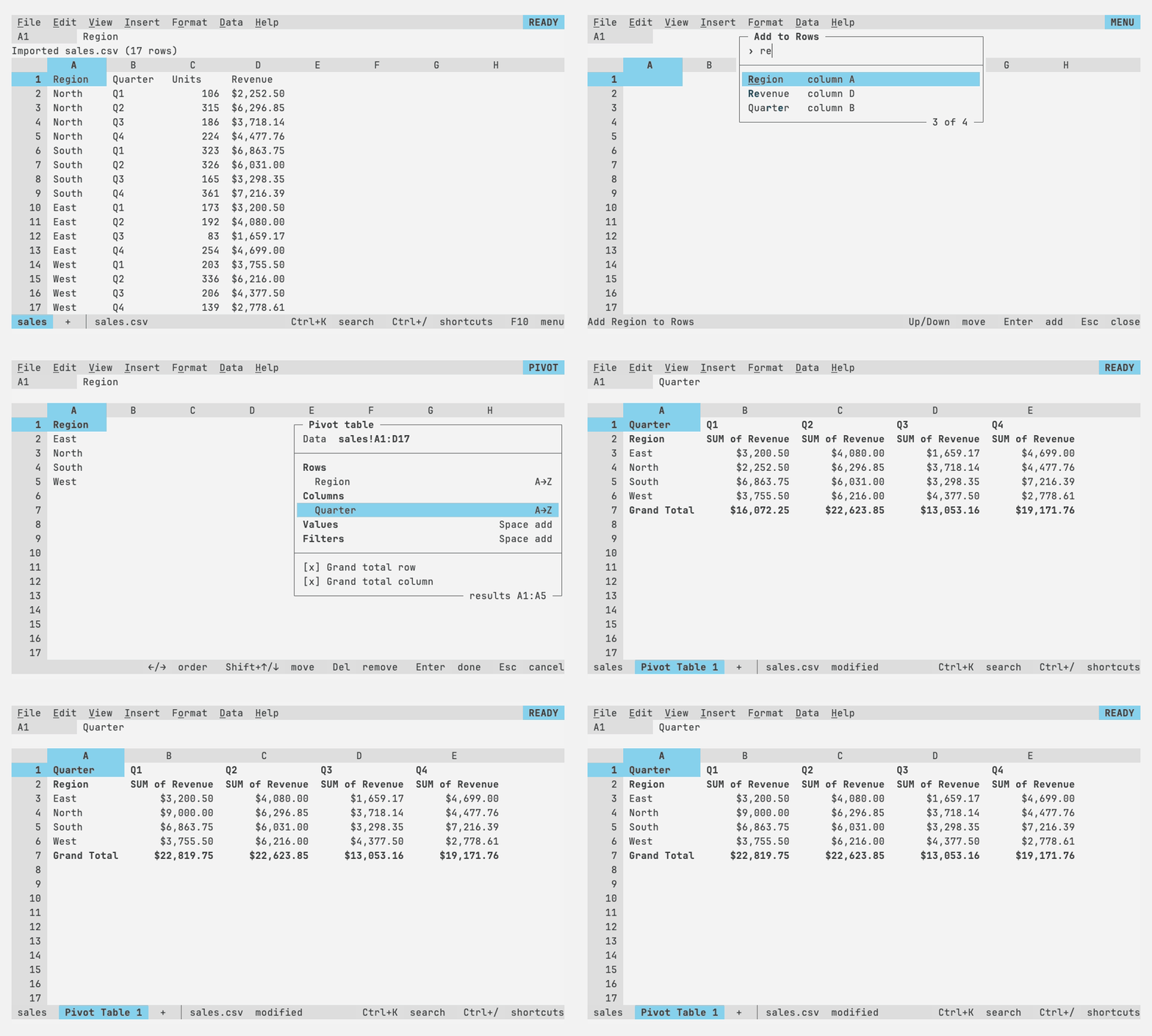 |
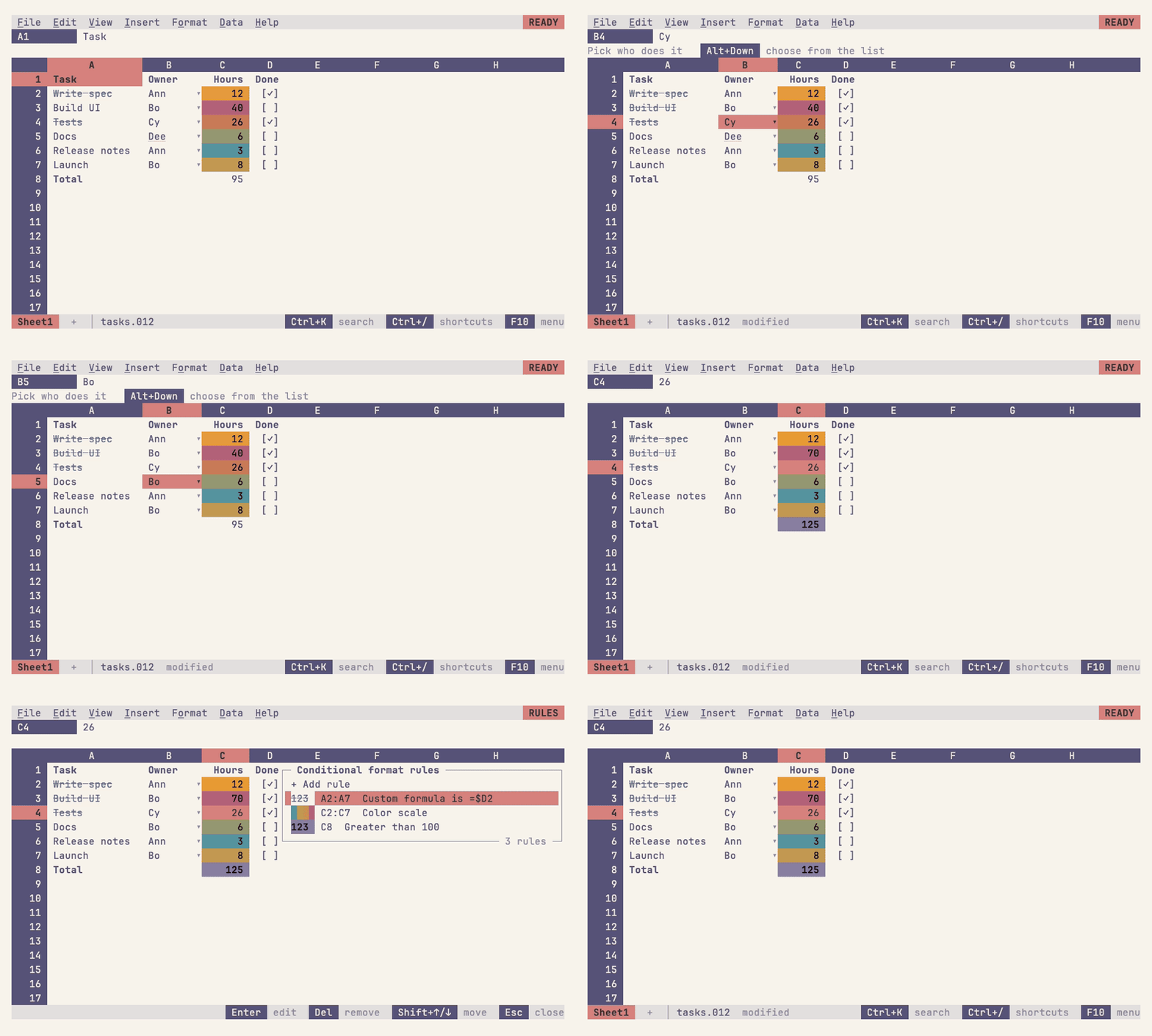
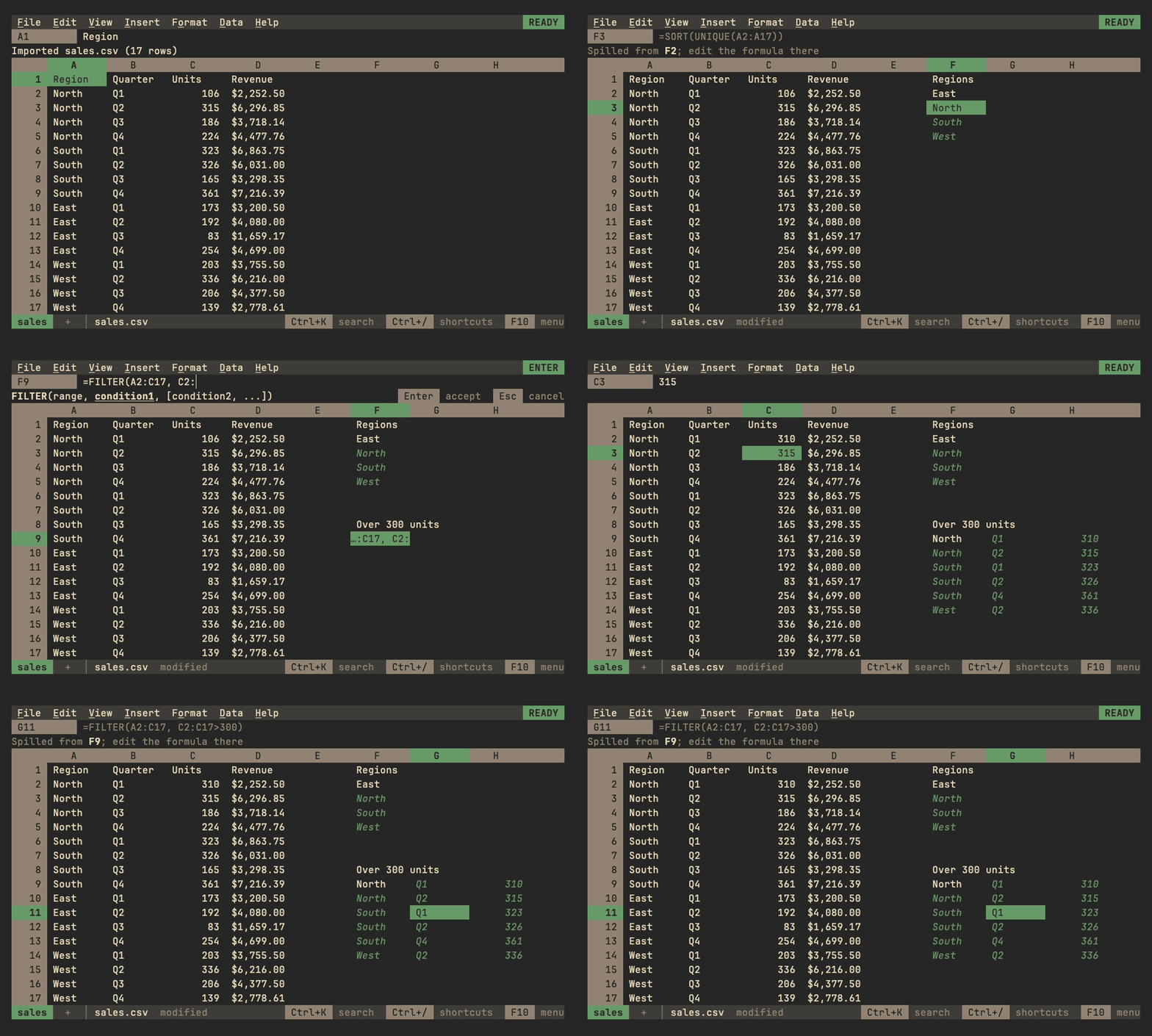
| Conditional formatting and data validation | Pivot tables, live |
 |
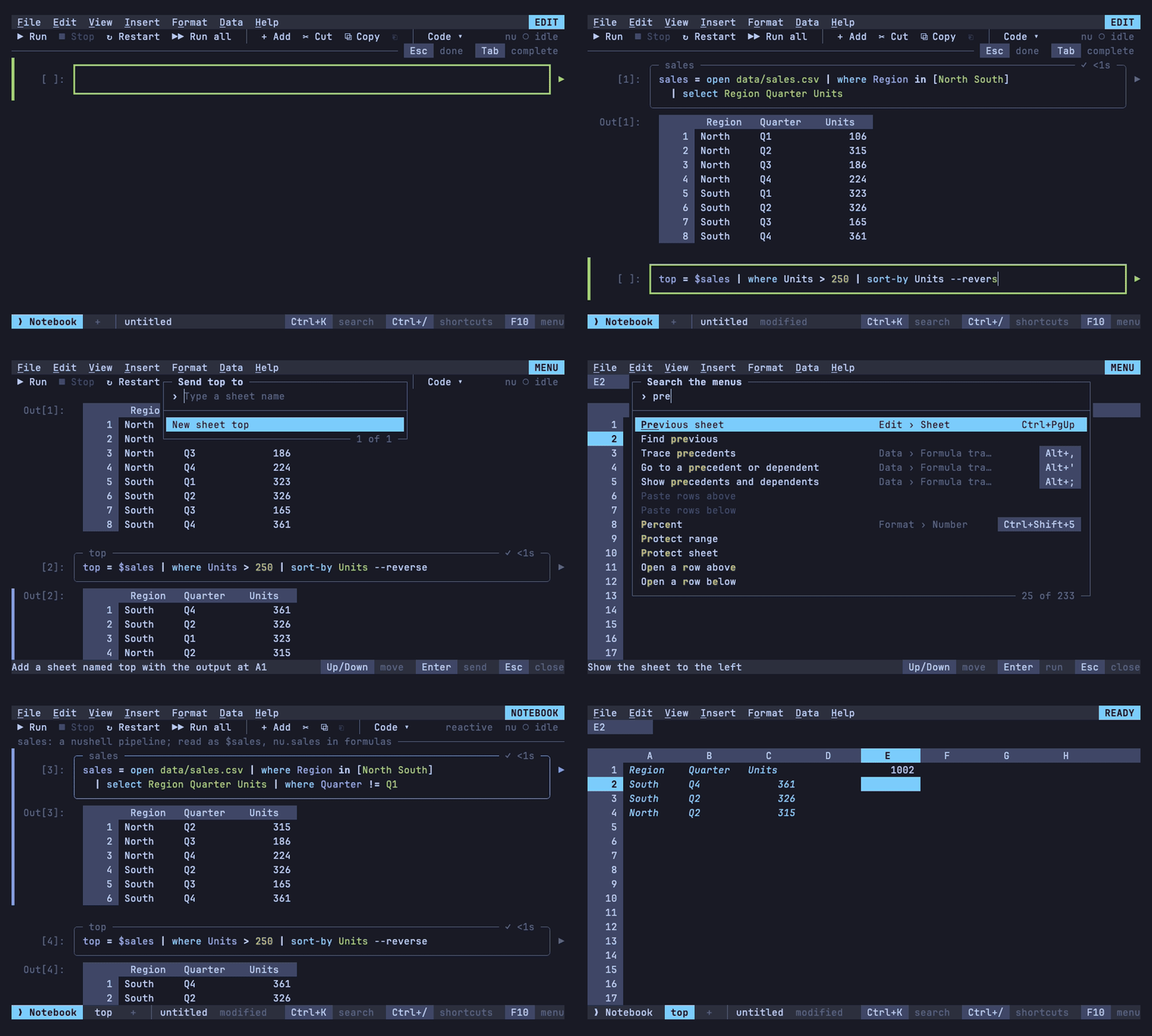 |
| Arrays that spill | Nushell notebooks |
 |
 |
| JEV functions in formulas | Macros |
 |
|
| Linked sources, too big for any grid |
Each guide shows its own recordings too. They are
VHS tapes in demos/,
rendered by make demos in the Catppuccin Mocha palette; 012 draws in
your terminal's own colors by default (themes).
Charts show as text here.
More
- Documentation: every guide, for using 012 and for working on it, starting with getting started; also as a site at 012.dev.site
- Roadmap
- Working on 012:
make build, thenmake checkbefore a push; see testing and CLAUDE.md
Young and moving quickly. The file format is versioned and older files keep loading; the Go packages are internal and may change at any time.